Videos for our PDF DRM software
 Protect PDF files
 Protect PDF files
How to protect PDF files without passwords – add DRM to PDF files (copy protection & encryption) with non-removable restrictions.
Add & revoke access, view protected PDF files
 Add & revoke access, view protected PDF files
Add and revoke access to protected PDF files, view secure PDF documents.


Web and USB protection
 Web and USB protection
How to protect PDF files to the Web and USB devices using our optional PDF DRM product add-ons.


Watermarks
 Watermarks
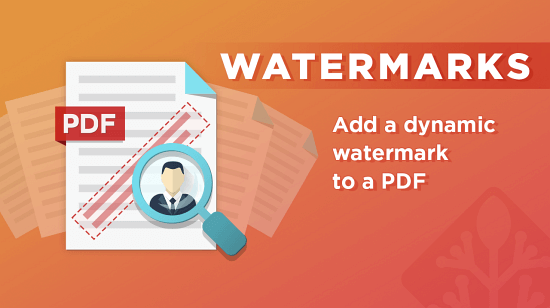
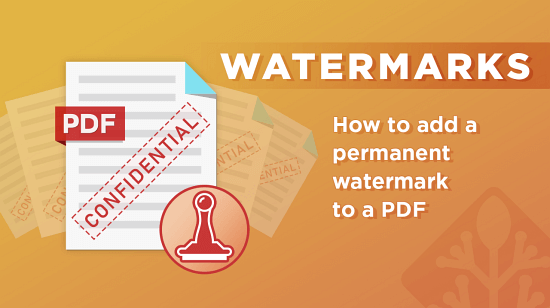
Add watermarks to PDF files that are non-removable and dynamic. Have different watermarks display for print and view.

Printing
 Printing
Disable PDF printing or add print restrictions such as limited prints, black & white or greyscale copies and restricted Operating Systems.
Expiry
 Expiry
Expire PDF files on a fixed date, after a number of days use, or no. of opens or prints. Expire user access to individual PDFs.


Tracking PDF files & locking to locations
 Tracking PDF files & locking to locations
Track PDF files when they are opened and printed. Lock document access to authorized devices and locations.

Limiting Document Opens
 Limiting Document Opens
Limit how many times PDF documents can be opened and add extra opens or views.
Admin System – Manage users
 Admin System – Manage users
Import users, manage user accounts and resend users their license files.
Admin System – Publications & Settings
 Admin System – Publications & Settings
Add publications for simpler document access, change system settings and PDF restrictions after sending.
Customize
 Customize
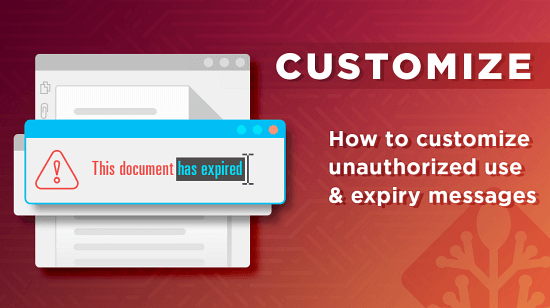
Add your own unauthorized access and expiry messages, logo and branding.
Automate
 Automate
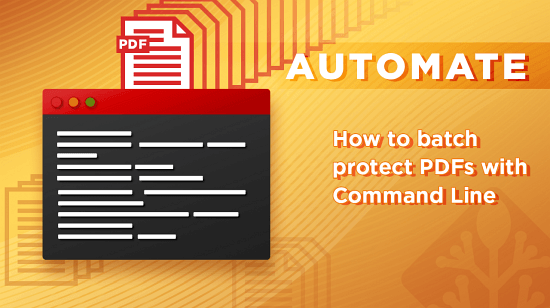
Batch protect PDF files and automatically assign access and manage users.
Distribute
 Distribute
How to sell ebooks securely, protect online courses from unauthorized distribution, and securely share protected PDF files.
 Secure PDF Viewers
Safeguard Lite
 Safeguard Lite
An introduction to Safeguard Lite. A method to protect your Intellectual property, using Digital Rights Management (DRM), using your web browser.